A cutscene in Alien: Isolation is scripting: cameras, a CAGEAnimation keying them, links that switch from one camera to the next, depth-of-field and motion-blur settings, and something to start it. Getting those right by hand is fiddly, and several ways of doing it that look right in the editor misbehave in game. The Cinematic Shot Builder (Create Entity > Create Cinematic... above a composite's flowgraph, which builds into that composite) builds a whole multi-shot cutscene from a shot list, wired the way the game needs it.
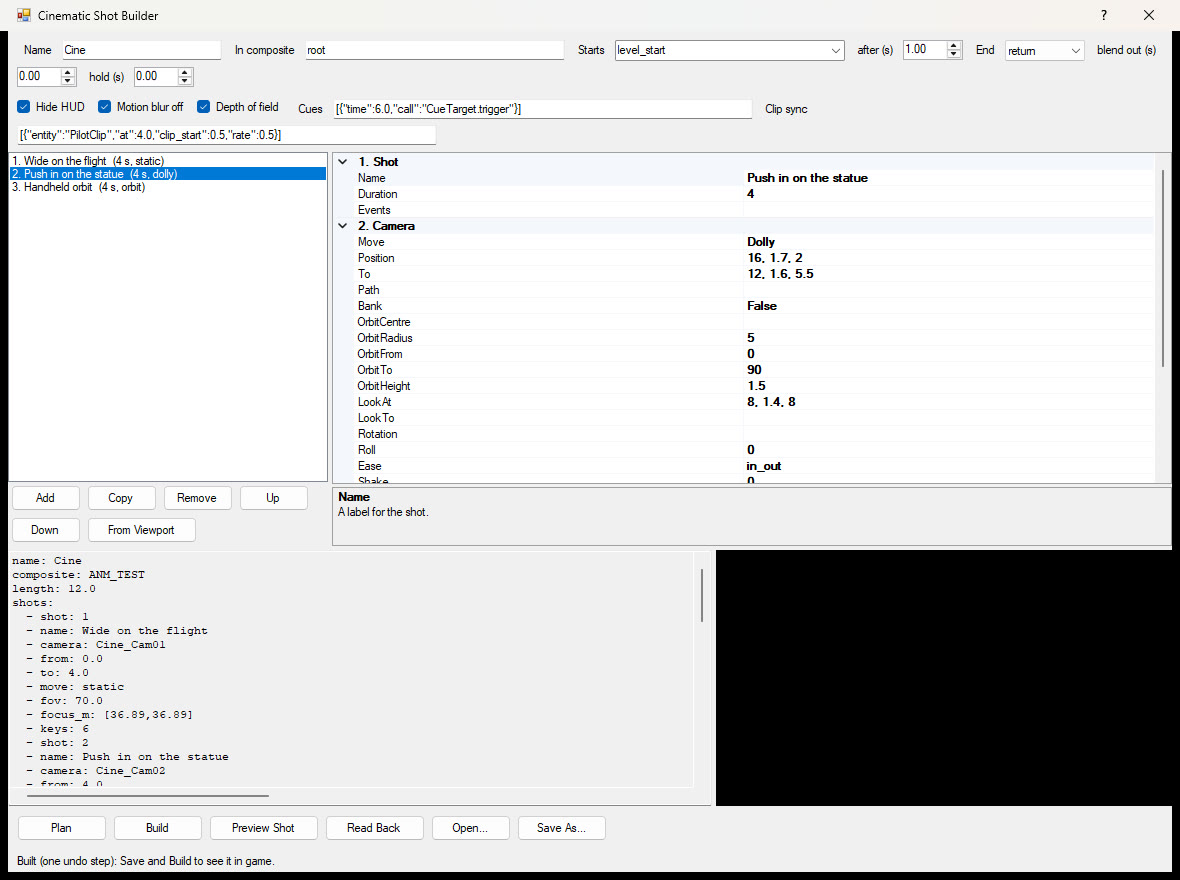
Plan only reports (the timing of every shot, the keys, the events); Build makes or updates the cutscene as one undo step - Save and Build to see it in game. The shot list last built on a level opens with the window, and Save As / Open keep shot lists as files. The AI assistant tools are build_cinematic and get_cinematic.
Shots play one after the other, each for its Duration. Points are written x, y, z in the level's space, or as an entity's name (its resting position). From Viewport puts the selected shot's camera where the viewport camera is, looking where it looks.
level_start starts it when the composite has loaded and the delay has passed (a camera brought up while the level is still loading is lost); none leaves it to you - link anything to <name>_Begin.trigger; or type an output such as PlayerTriggerBox_1.on_entered.return hands the view back to the player (with a blend out, if set); hold stays on the last shot; loop plays it again. <name>_End.triggered fires at the end: link the rest of the level's script from there.[{"time": 2.5, "call": "Door_1.open"}]).Everything is named <name>_... in the chosen composite; building again with the same name updates it in place (links you made into _Begin, out of _End and out of your events stay):
_Timeline, one CAGEAnimation keying every camera with sparse Bezier keys (only where the move needs one), plus the cut events.CameraResource per shot (_Cam01, _Cam02...). A camera's fov fed by a float reaches it a frame or two late, so a cut made inside one camera's keys shows the new position with the old lens; separate cameras cut cleanly. Each cut brings the next camera up and lets the previous one go 0.05 s later. Before its cut a camera holds its first pose, so the frame it comes up on is already right. A zooming shot's camera reads a keyed float (_Cam02_Fov).DepthOfFieldSettings (_DOF, priority 500) whose focus, focal length, f-number and intensity come from four linked, keyed VariableFloats - keying the settings entity's own values never reaches the game's depth-of-field stack. Intensity stays 1 (it is a blend weight, not a blur strength; the lens makes the blur), and each shot's values change 35 ms after its cut so the old shot's last frame never takes the new focus.HighSpecMotionBlurSettings with no blur at priority 1000), the HUD hidden (Force_UI_Visibility), and the start: _Begin, and for level_start a ZoneLoaded and a delay.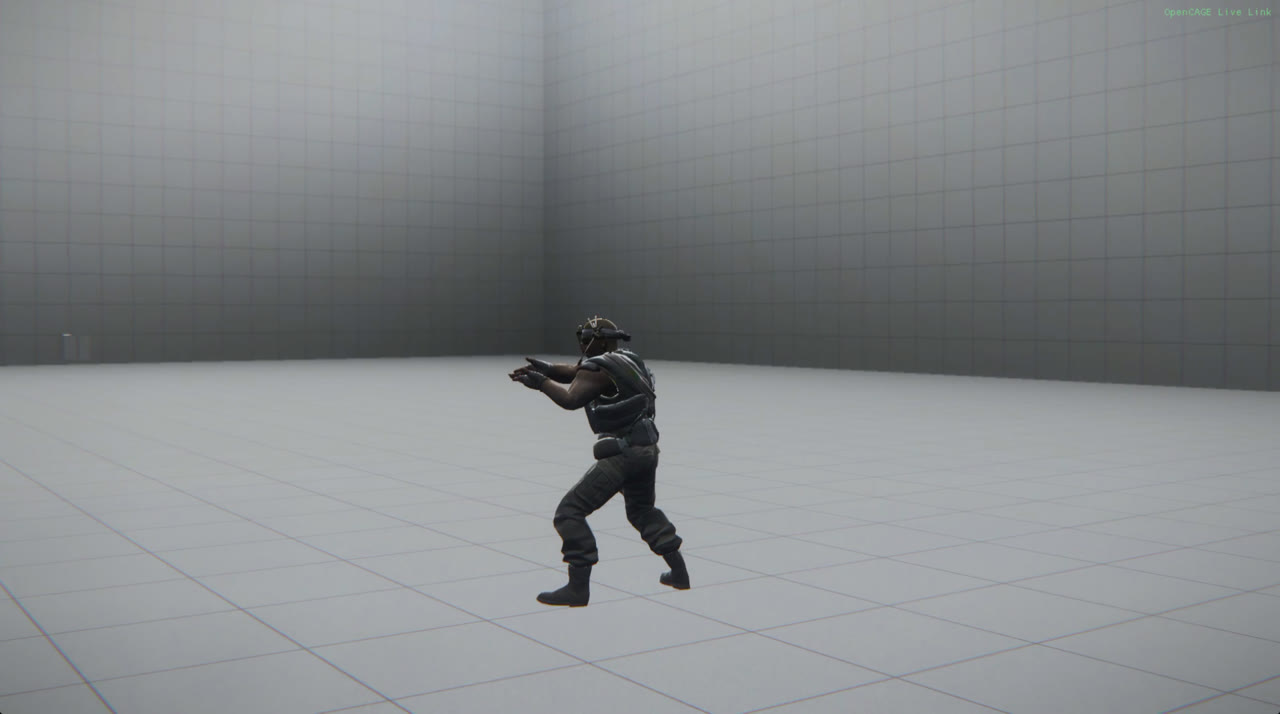
Preview Shot shows the selected shot's camera at its start, middle and end in the viewport (Build first; the viewport must be on). Read Back lists what was built, the events and what they call, and whether the timeline will play.
A character's clip plays on its own clock, and on a slow frame it falls behind a CAGEAnimation. Clip sync locks clips to the timeline instead: for each CMD_PlayAnimation listed ([{"entity": "Anim_1", "at": 1.0, "start": "Bind_1.trigger"}]) the builder keys a clock that reads 0 at at and runs at rate (from clip_start into the clip), links it to the command's ExternalTime, and calls start (for example the character's TriggerBindCharacter) at that moment. The clip then never drifts from the camera, and slow-motion is a rate below 1. Keep the clip's own setup (marker, character binding) as for any scripted clip.
_Timeline by hand are replaced on the next build (change the shot list instead).