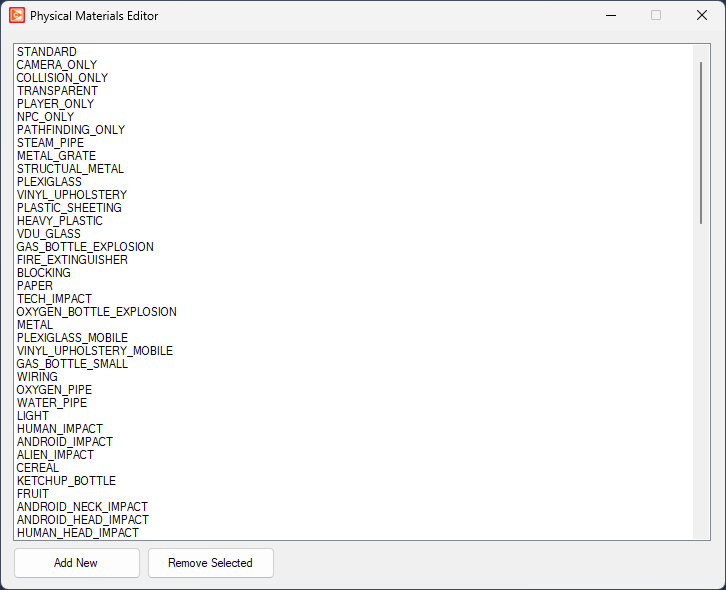
To edit physical materials in OpenCAGE navigate to View > Configuration Editors > Core Game > Physical Materials.
From here you will be presented with a list of all physical materials available in the game.
Materials applied to models define the type of physical material they are associated with.
These material types can be queried using the WEAPON_ImpactFilter entity in scripts to determine the type of material a weapon has hit.
To add a new material type select 'Add New', you can remove entries using 'Remove Selected', however be aware that a lot of these material types are depended upon by other systems, so this may introduce issues.