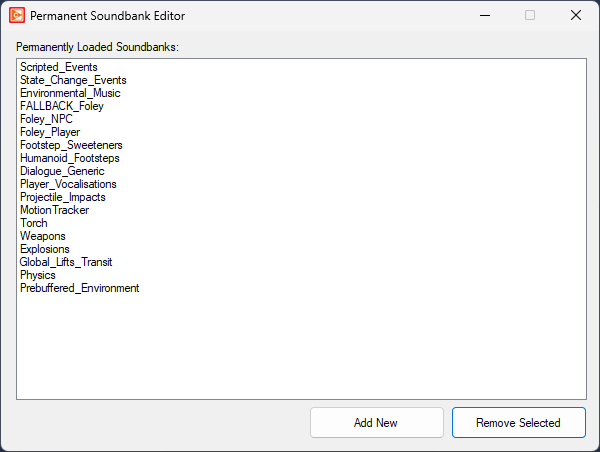
To edit permanent soundbanks in OpenCAGE navigate to View > Configuration Editors > Core Game > Permanent Soundbanks.
This list defines the soundbanks which are loaded at all times, regardless of the ones asked to be loaded via the scripting system.
To add a new soundbank to the list select 'Add New' and select it. To remove a soundbank click it in the list and press 'Remove Selected'.